AI image editing and Photoshop tools are transforming how modern photo editing is performed, dramatically reducing the time required for complex adjustments, retouching, and visual corrections.
Manual masking.
Layer adjustments.
Healing brush corrections.
Color grading layer by layer.
For professional editors, this wasn’t a problem — it was normal. But for brands, agencies, and content teams working at scale, time became the bottleneck.
That’s where AI photo editing started changing everything.
Not by removing skill.
But by removing friction.
The Real Editing Shift Inside Photoshop
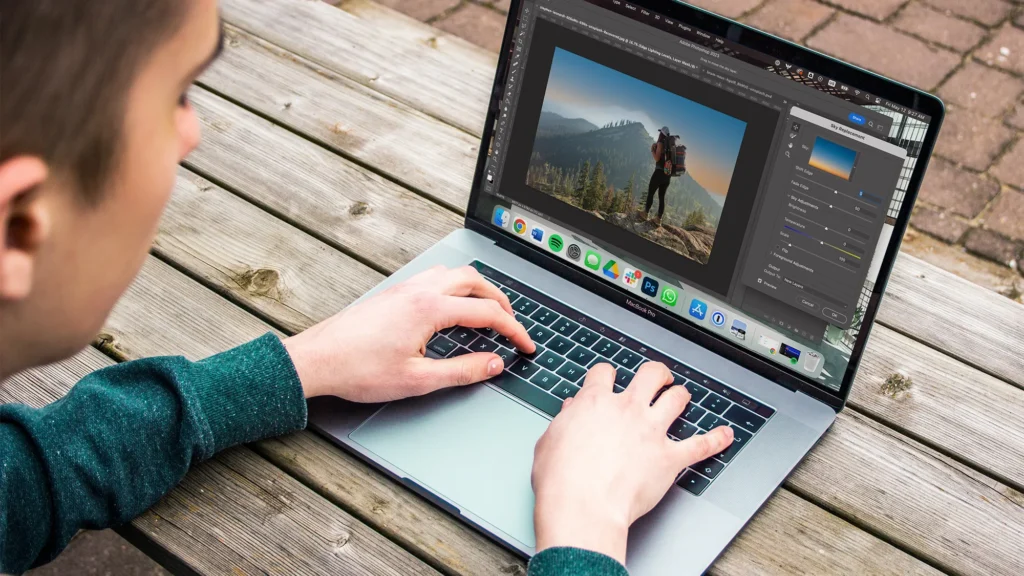
Modern AI image editing tools inside Adobe Photoshop have fundamentally accelerated editing workflows.
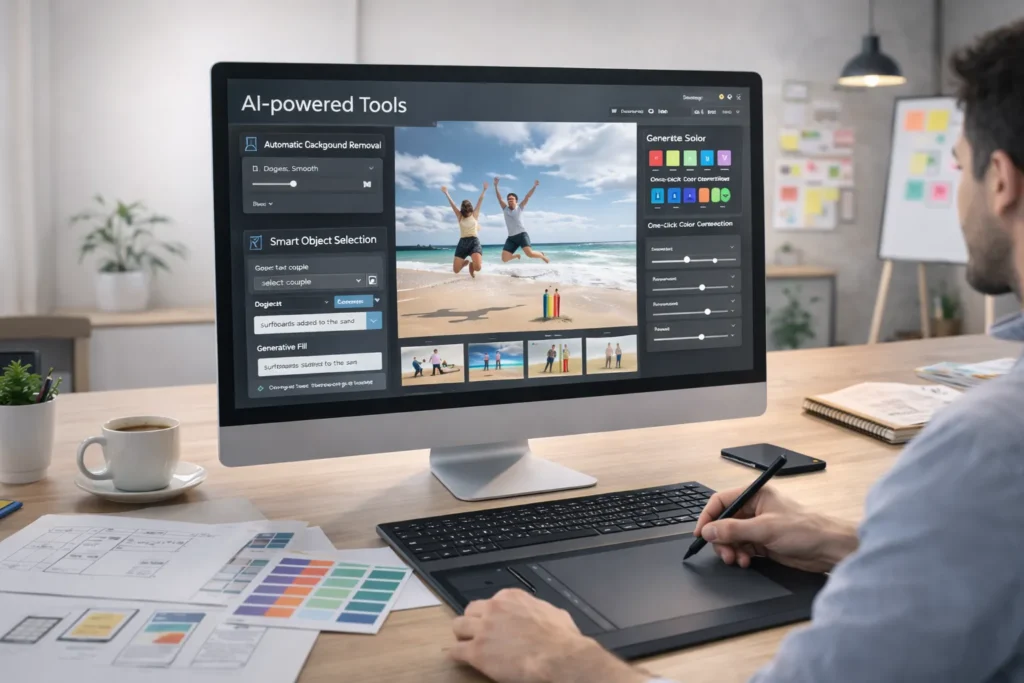
Key AI-powered Photoshop tools include:
- Automatic subject detection
- One-click background removal
- Generative Fill
- Smart object selection
- AI retouching filters
- Neural filters for skin smoothing and lighting correction
Earlier, isolating hair strands in a complex background could take 20–30 minutes. Now, AI-driven masking completes it in seconds with edge precision.
Retouching that once required multiple adjustment layers is now handled through intelligent automation.
Editing speed has increased dramatically but the deeper impact goes beyond time.
Why Speed Matters in Real Production
Editing speed is not just about finishing faster. It affects:
- Campaign turnaround
- Client approvals
- Creative testing
- Revision cycles
- Output volume
When designers spend less time on technical corrections, they spend more time refining composition and storytelling.
For eCommerce brands producing hundreds of product images, AI photo editing tools allow:
- Batch background cleanup
- Consistent color grading
- Automated shadow correction
- Faster export resizing
This is where content scale becomes possible without increasing team size.
The Workflow Upgrade
Here’s how modern AI editing workflows look:
Step 1: Smart Selection
AI auto-detects subjects instantly.
Step 2: Background Enhancement
Generative Fill expands or replaces backgrounds without manual cloning.
Step 3: Retouching Automation
AI retouching corrects skin tone, lighting, and minor imperfections.
Step 4: Multi-Format Adaptation
Images are resized for Instagram, website banners, ads, and print with minimal manual adjustments.
This structured workflow reduces editing time by up to 50–70% in high-volume projects.
But here’s what’s important:
AI speeds up execution.
Humans still control aesthetics.
How Agencies Are Scaling with AI
While this blog focuses on editing speed, there’s a broader operational shift happening inside creative teams.
If you want to understand how agencies implement AI photo editing at scale, read:
“How Creative Agencies Use AI for Photo Editing.”
That article explores:
- AI photo editing for agencies
- AI retouching systems
- AI design workflow integration
- Client project scaling
- Batch automation strategies
Together, both blogs complete the full picture:
- This one explains speed & technical efficiency.
- The second explains strategic agency-level integration.
Execution + scale.
The Competitive Advantage
Agencies and brands that master AI image editing gain:
- Faster project delivery
- Reduced editing fatigue
- Lower revision time
- More creative experimentation
- Higher production capacity
The biggest transformation is not just productivity.
It’s confidence.
When editing becomes faster, teams test more ideas.
When revisions are quicker, approvals move smoother.
When production friction drops, creativity expands.
AI Photoshop tools are not replacing designers.
They are upgrading their workflow.
And in a high-speed digitLooking Ahead: The Next Phase of Editing Innovation
As artificial intelligence continues evolving, AI image editing and Photoshop tools will become even more intuitive and context-aware. Future updates are expected to improve scene understanding, lighting realism, object interaction accuracy, and batch automation capabilities. This means editors won’t just save time — they’ll gain smarter creative assistance that adapts to their style and project requirements.
For professionals, the real opportunity lies in learning how to integrate these systems strategically rather than relying on them blindly. Mastering intelligent workflows ensures consistency, efficiency, and creative control. The combination of human vision and advanced editing technology will define the next generation of digital design excellence.al content world, that upgrade isn’t optional — it’s essential.