AI Graphic Design and Photoshop AI Are Transforming Modern Creativity
AI graphic design and Photoshop AI are reshaping how designers create, edit, and execute visual concepts. What once required hours of manual precision inside Photoshop can now be completed in minutes using intelligent automation systems integrated directly into modern creative software.
Just a few years ago, design inside Photoshop required patience.
Masking took time.
Background removal demanded extreme accuracy.
Color grading required multiple layers, curves, and repeated refinements.
The process was skill-intensive and often slow.
Then artificial intelligence entered the workflow.
Not as a replacement for designers but as a powerful enhancement layer that removes technical friction.
Today, intelligent automation is transforming creative production from ideation to final export.
The Real Evolution Inside Photoshop
Modern AI-powered features have dramatically changed how editing tasks are executed.
Some of the most impactful tools include:
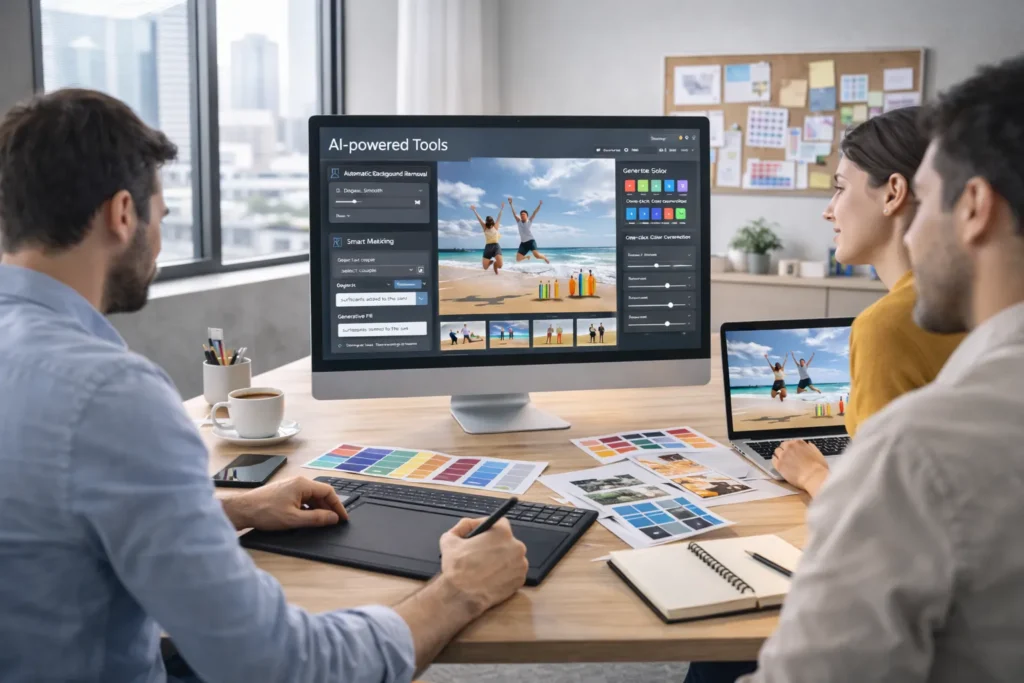
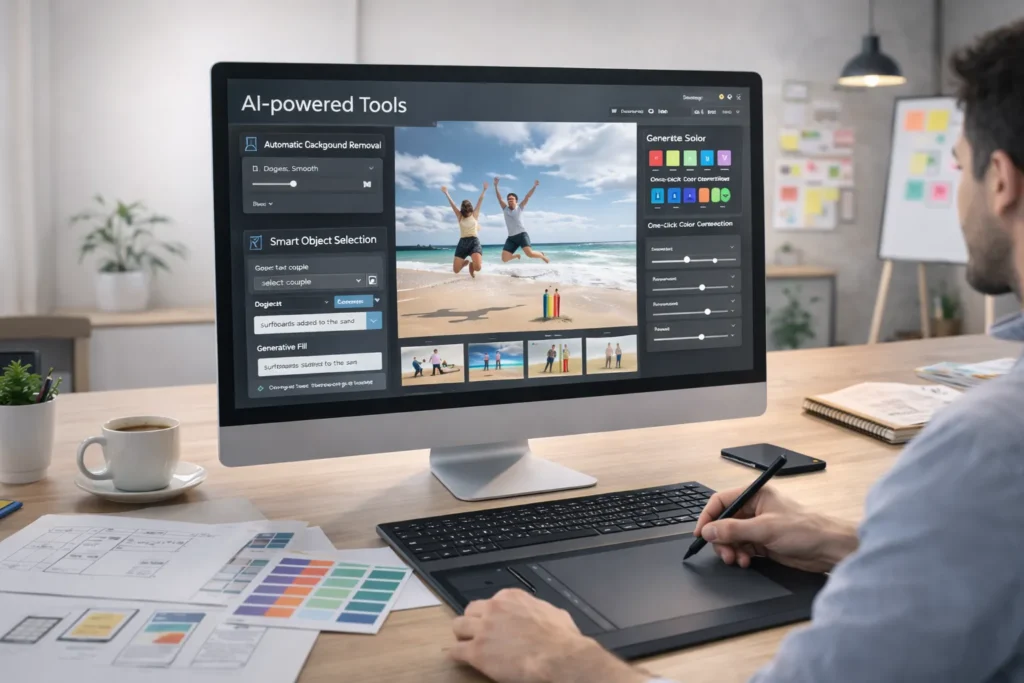
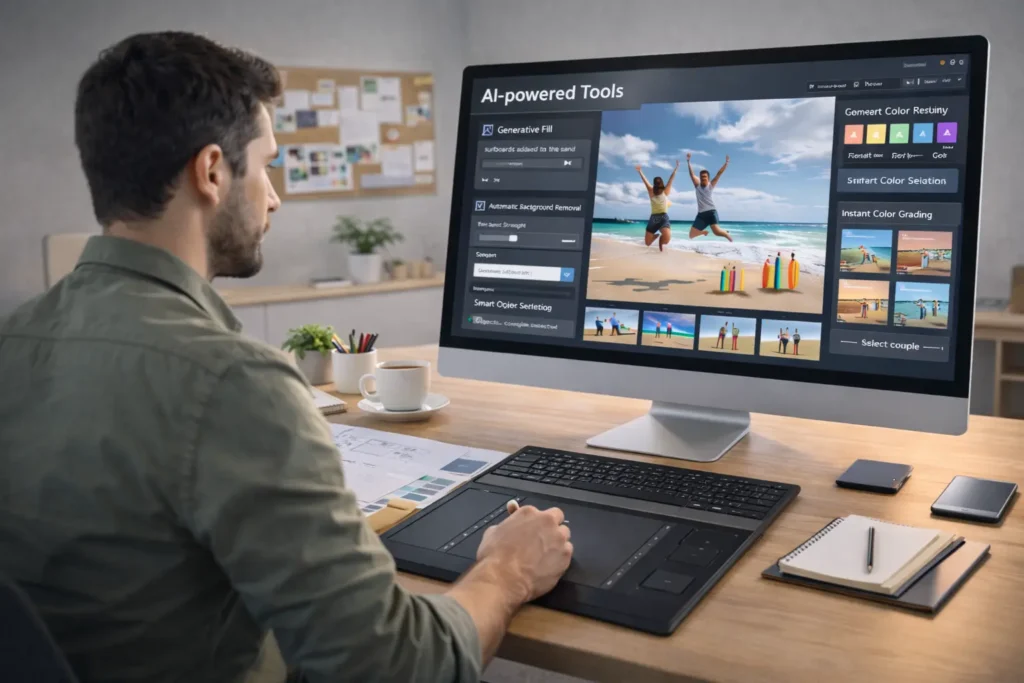
- Generative Fill
- Automated background removal
- Neural Filters
- Smart object selection
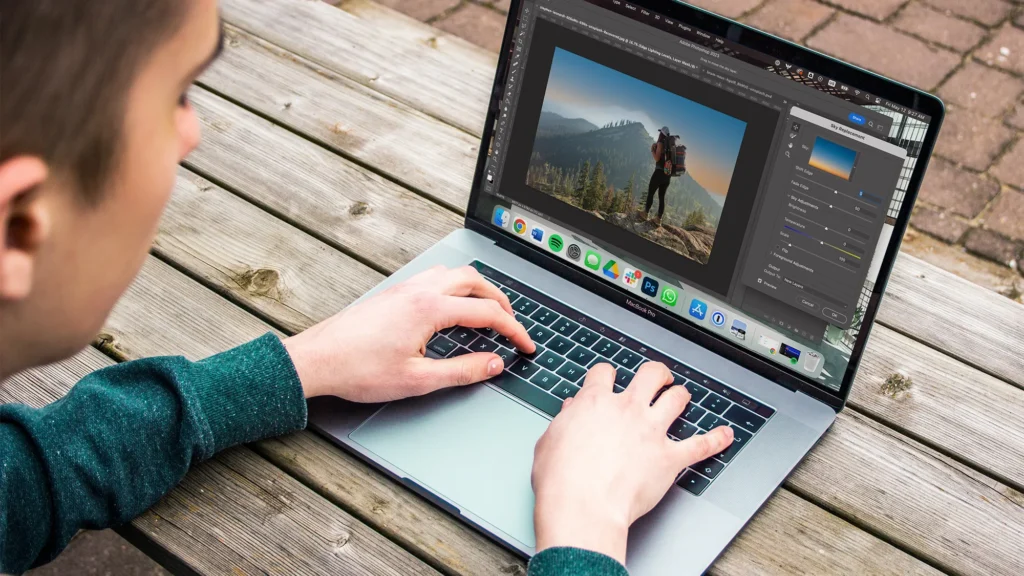
- AI-based sky replacement
- Advanced retouching tools
In the past, isolating a subject from a complex background could take 20–40 minutes. Now, similar results can be achieved in seconds while maintaining edge precision, lighting balance, and shadow realism.
But speed alone isn’t the real revolution.
The deeper transformation is creative flexibility.
Automation removes repetitive tasks, allowing professionals to invest more time in:
- Concept building
- Visual storytelling
- Layout experimentation
- Brand alignment
- Strategic creative thinking
Instead of spending energy on technical corrections, designers focus on creative decisions.
How Intelligent Design Tools Are Changing Creative Thinking
One major shift often overlooked is how automation influences mindset.
When iteration becomes faster, experimentation increases.
When generative expansion exists, composition becomes flexible.
When scene extensions and object replacements take seconds, creative boundaries expand.
Design transitions from “fixing limitations” to “exploring possibilities.”
Rather than committing to one final direction early in the process, professionals can quickly prototype multiple visual variations. This improves collaboration within agencies and speeds up internal approvals inside brand teams.
Creative cycles become shorter.
Feedback becomes clearer.
Execution becomes more agile.
Practical Benefits for Designers
Beyond speed and experimentation, modern intelligent tools provide practical workflow advantages:
- Reduced manual layering and masking
- Faster image cleanup and retouching
- Simplified color adjustments
- Better subject detection accuracy
- Improved consistency across batch edits
These improvements allow designers to scale output without sacrificing quality.
For freelancers, this means taking on more client work efficiently.
For agencies, it means meeting tighter deadlines.
For in-house teams, it means producing more campaign assets without expanding headcount.
Does Automation Replace Creative Skill?
A common concern is whether advanced automation reduces the need for designers.
The answer is no.
Technology can generate imagery.
It cannot define brand identity.
It cannot interpret cultural nuance.
It cannot build emotional storytelling.
Creative direction, brand strategy, and visual hierarchy remain human responsibilities.
Automation enhances execution but vision remains human-led.
The professionals who thrive are those who learn to collaborate with intelligent systems rather than resist them.
Strategic Impact on Brands and Agencies
For brands managing high-volume content pipelines eCommerce, advertising, and social media speed directly impacts performance.
Modern AI-assisted workflows allow teams to:
- Resize assets instantly for multiple platforms
- Localize visuals for different markets
- Adapt campaigns seasonally without rebuilding from scratch
- Generate mockups rapidly
- Test creative variations more frequently
This agility supports faster marketing experimentation.
When design production becomes efficient, marketing teams can focus on performance optimization, data analysis, and creative testing rather than waiting on asset delivery.
The result is:
- Faster campaign launches
- Reduced creative bottlenecks
- Higher output scalability
- Improved cost efficiency
The Bigger Picture: Augmented Creativity
Design is not becoming automated.
It is becoming augmented.
AI graphic design continues to evolve, and Photoshop AI removes technical barriers so professionals can operate at a higher strategic level. The focus shifts from manual corrections to creative direction and storytelling.
Visual production is no longer limited by time-intensive workflows.
Instead, it is supported by intelligent systems that enhance speed, precision, and flexibility.
The future belongs to designers who understand how to combine creativity with technology not separate them.
Those who learn to master these tools will shape the next generation of digital design.